Prepare the product link
Open the product page, confirm the source, and choose the right variant before submitting an order.
Superbuy buyer workflow
Start from a clear Superbuy buyer route: choose a product entry when needed, then use the ordering, QC photo, parcel forwarding and shipping guides to avoid costly mistakes.
Use one clear entry first, then move into the guide that matches the buyer problem.
A quick set of buyer-ready product ideas. Open one that fits your plan, then check seller proof, QC photos and shipping value before buying.
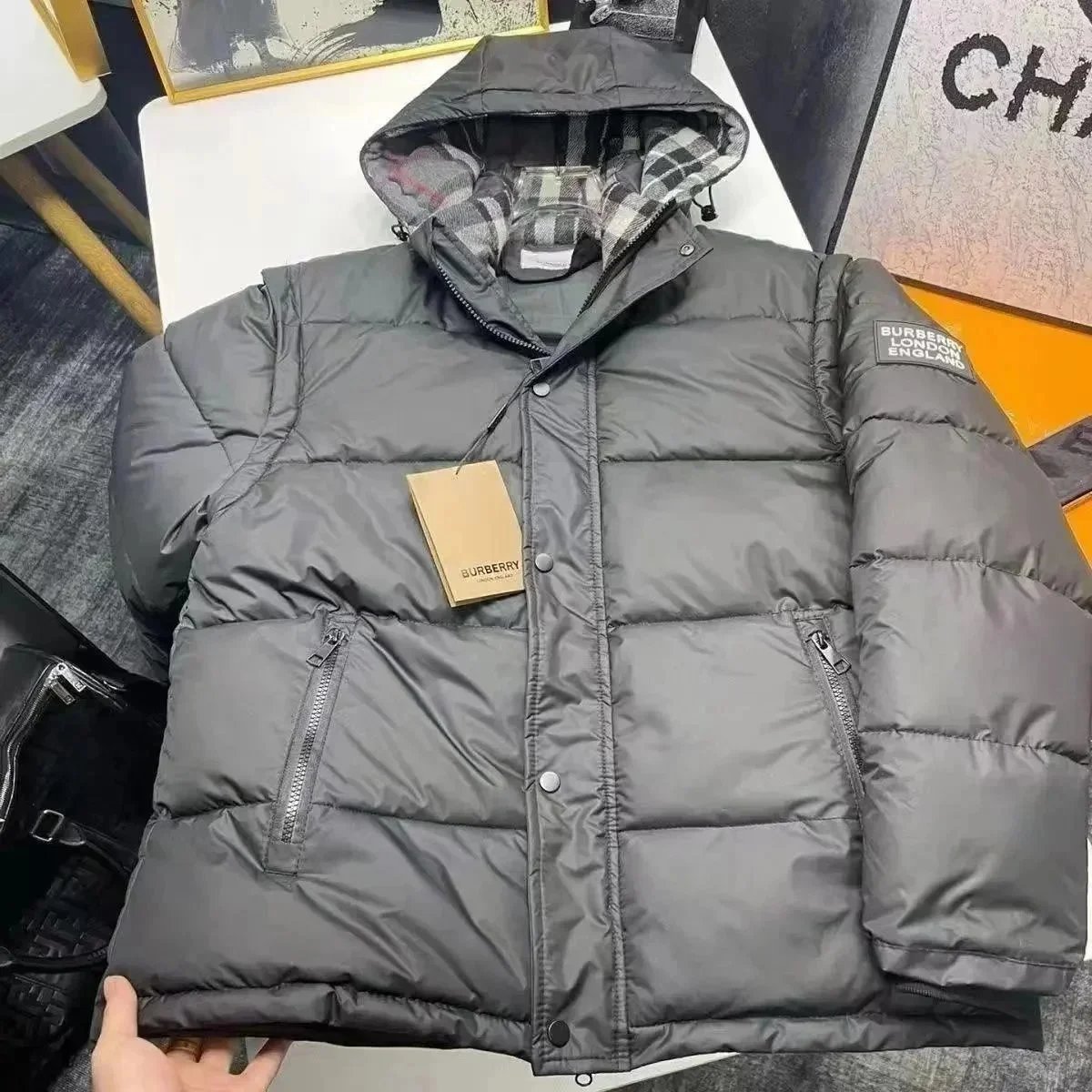
Use seller proof, QC photos and shipping value before buying.
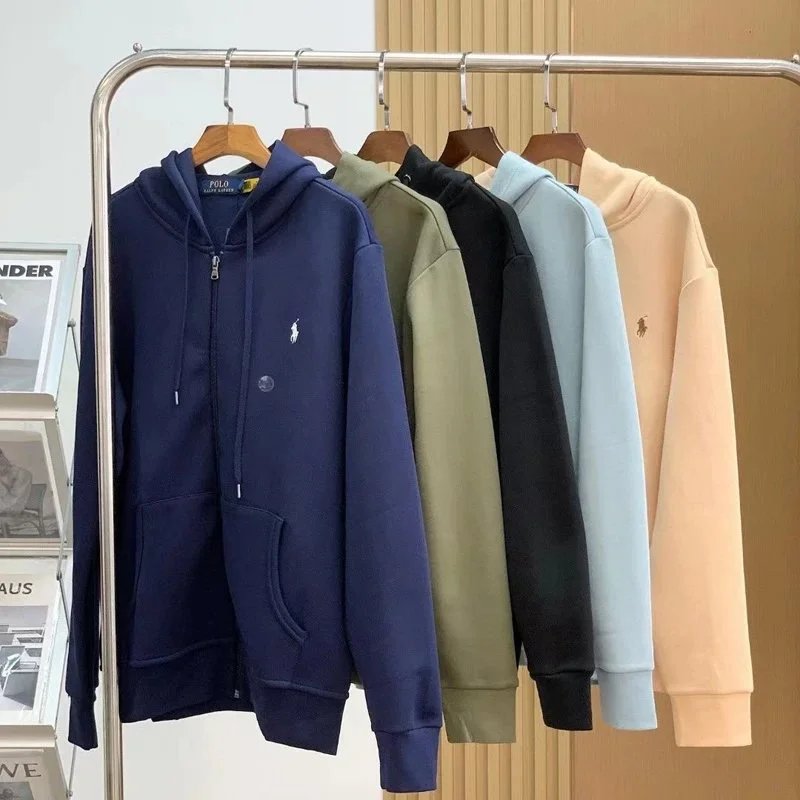
Check zipper shape, fabric weight, logo placement and sleeve length before ordering.
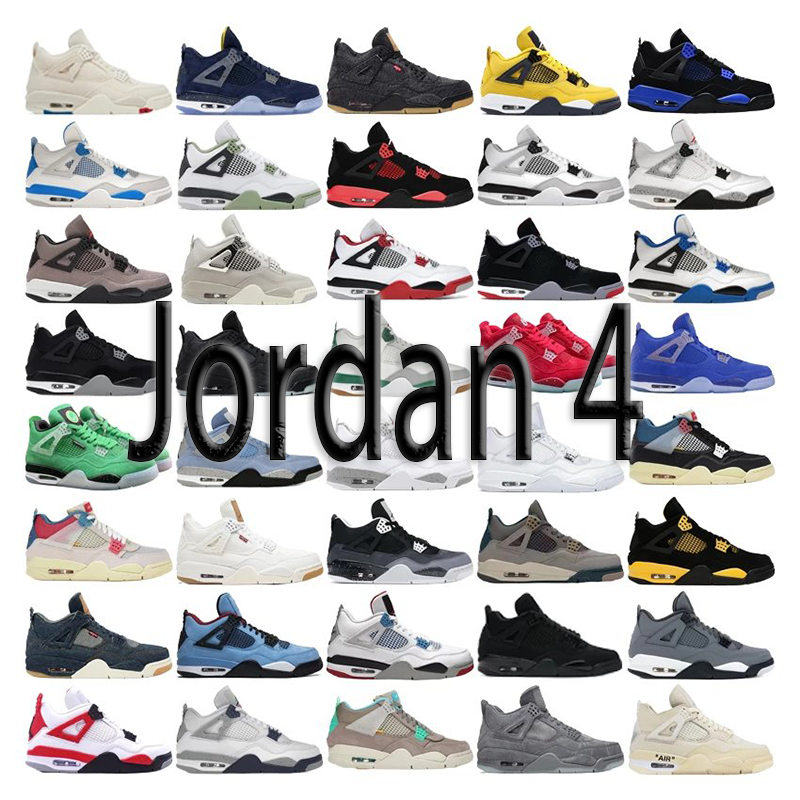
Review toe shape, side cage, heel tab and box label with QC photos.
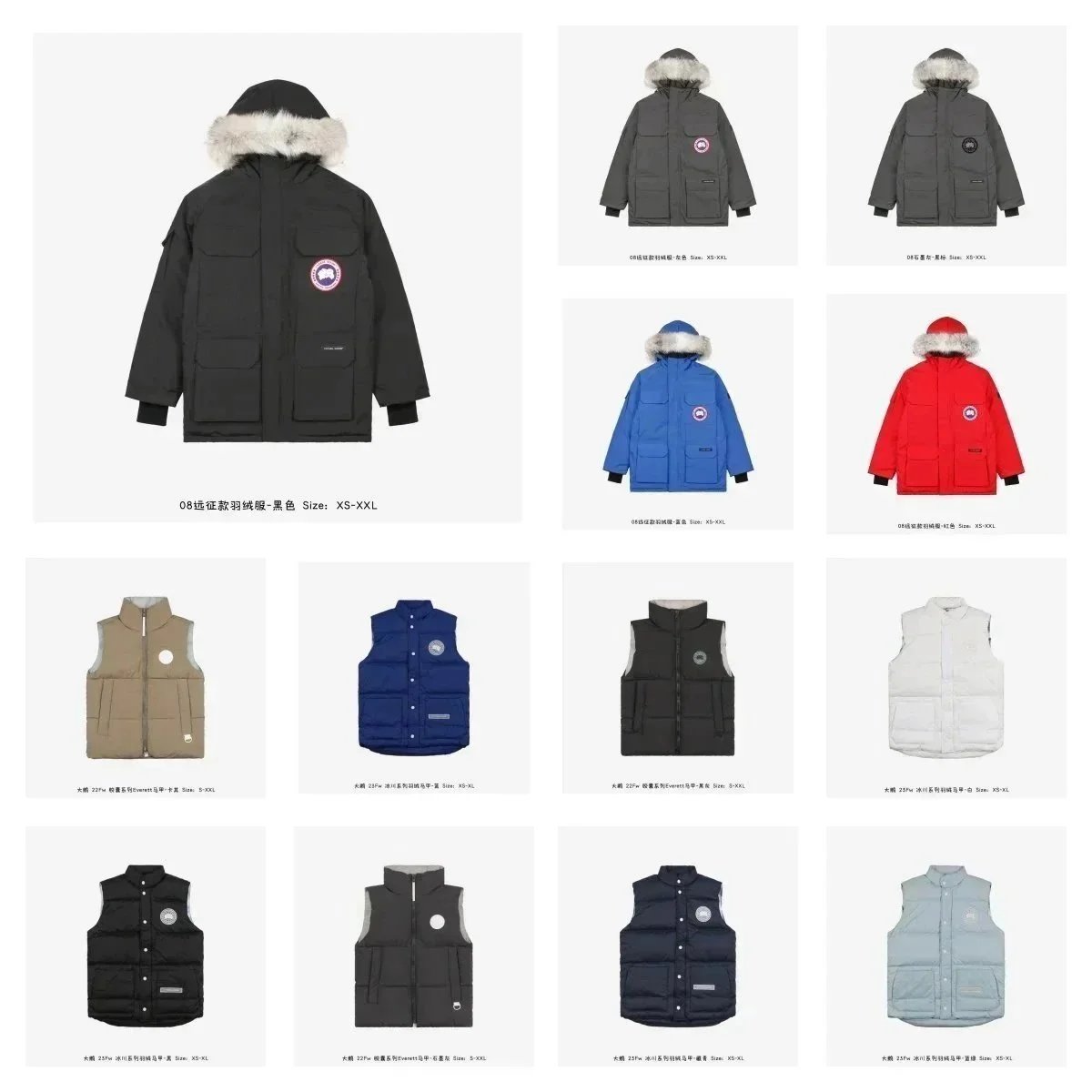
Confirm badge detail, hood trim, pocket layout and winter weight in seller proof.
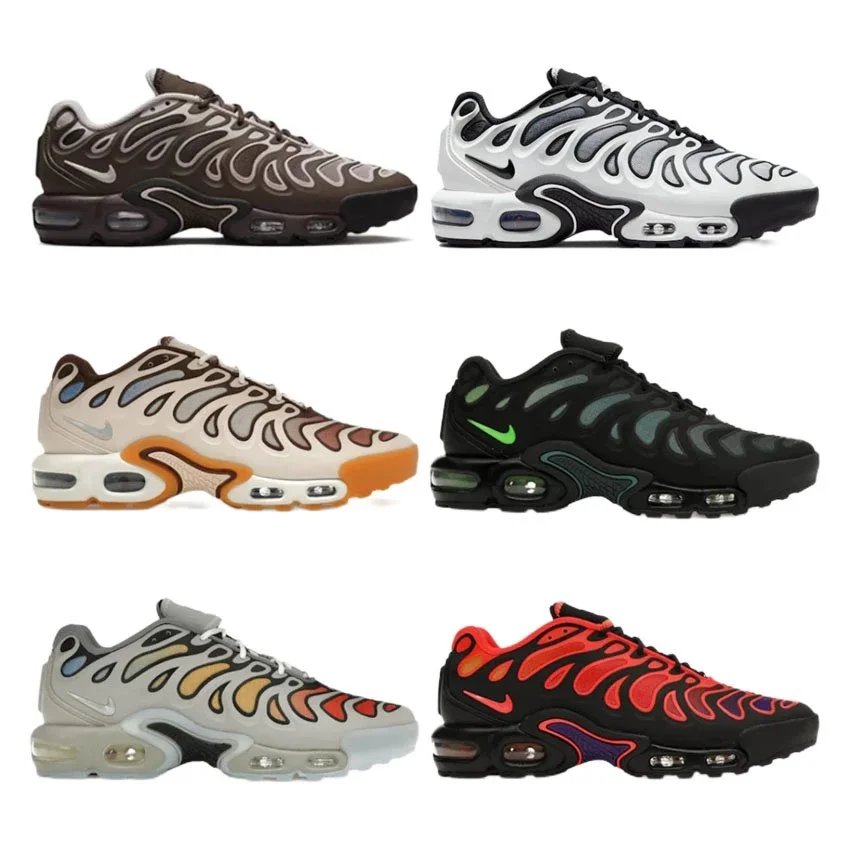
Check upper lines, sole bubbles, color placement and size label before buying.
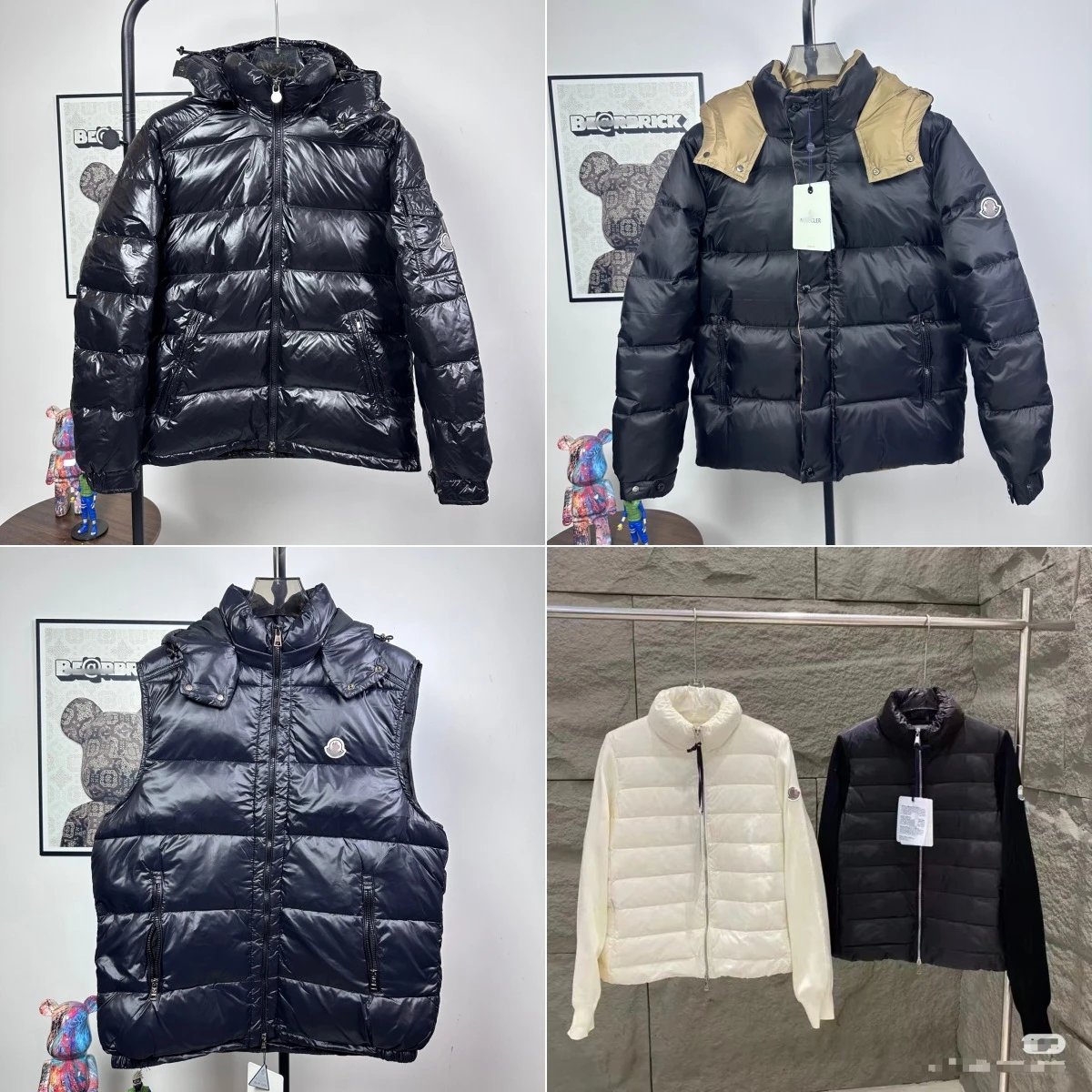
Use QC photos to verify shine, panel spacing, sleeve badge and zipper hardware.
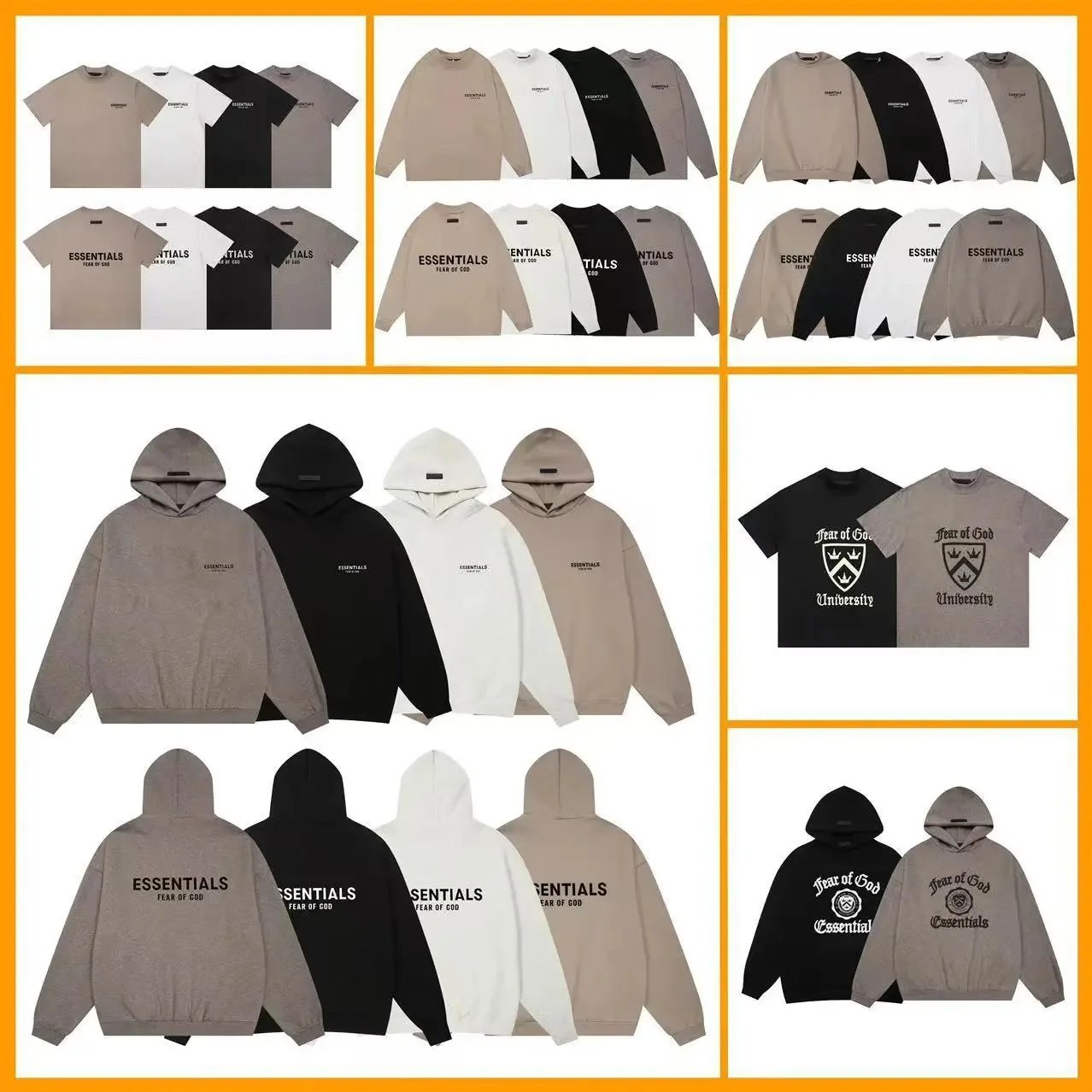
Compare logo print, fleece texture, drawcords and fit notes before checkout.
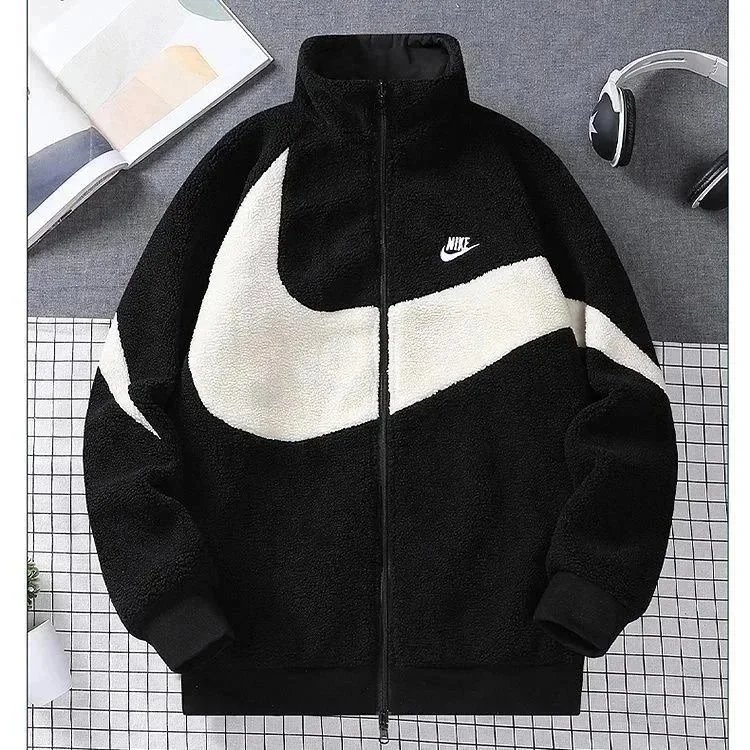
Confirm sherpa texture, large swoosh placement, zipper line and collar shape.
Open the product page, confirm the source, and choose the right variant before submitting an order.
Check whether the order is pending because of payment, seller response, stock, size or color confirmation.
Use QC photos to inspect visible condition before approving the item or asking for more help.
Think about packaging, box removal, protection and tracking before international freight payment.
Compare cost, speed, restrictions and destination requirements before shipping.
Open this when you need the full order flow from product link to payment, QC and warehouse review.
Order issueCheck payment, stock, seller response, size confirmation and support timing before you reorder.
Risk checkReview batteries, liquids, brand risk, route limits and package decisions before shipping.
QC stepInspect warehouse proof, missing evidence and visible product issues while returns may still be possible.
Parcel stepCompare packaging, box removal, protection, tracking and split-shipping decisions.
Shipping stepChoose a route by parcel weight, restrictions, destination and delivery expectation, not only price.
| Buyer intent | Best page to open | What to check next |
|---|---|---|
| Find products before ordering | Superbuy Spreadsheet Finds | Open one category route, compare listings, then check the product link before using Superbuy. |
| Learn how to order from Superbuy | Ordering Guide | Confirm variant, price, seller status and pending-order reasons before payment. |
| Review warehouse photos | QC Photos Checklist | Check visible condition, size, color, labels and packaging before approving shipping. |
| Prepare packaging or forwarding | Parcel Forwarding Guide | Compare packaging, box removal, parcel weight, tracking and route restrictions. |
Product browsing should start from the spreadsheet finds entry. Agent guides become useful once a buyer has a real item, variant or parcel decision.
QC photos should be checked while return or exchange options may still be available, not after international freight is paid.
The lowest quote can become expensive if the route has weak tracking, strict restrictions or poor fit for the product type.
Start with the Superbuy Spreadsheet Finds entry, choose one real item, then use the ordering guide to submit the link and the QC guide after warehouse arrival.
No. It is a buyer navigation and guide site. Product spreadsheet links point buyers toward product categories, while final details must be checked on the live product and agent pages.
If you have not chosen an item, start with Superbuy Spreadsheet Finds. If you already have a link, use the ordering guide. If the item arrived at the warehouse, use the QC checklist.
Once items are in the warehouse, packaging, parcel weight, route restrictions and tracking quality affect the final shipping cost and risk.
No. QC photos help buyers inspect visible details, but they cannot guarantee fit, authenticity, long-term quality or shipping safety.